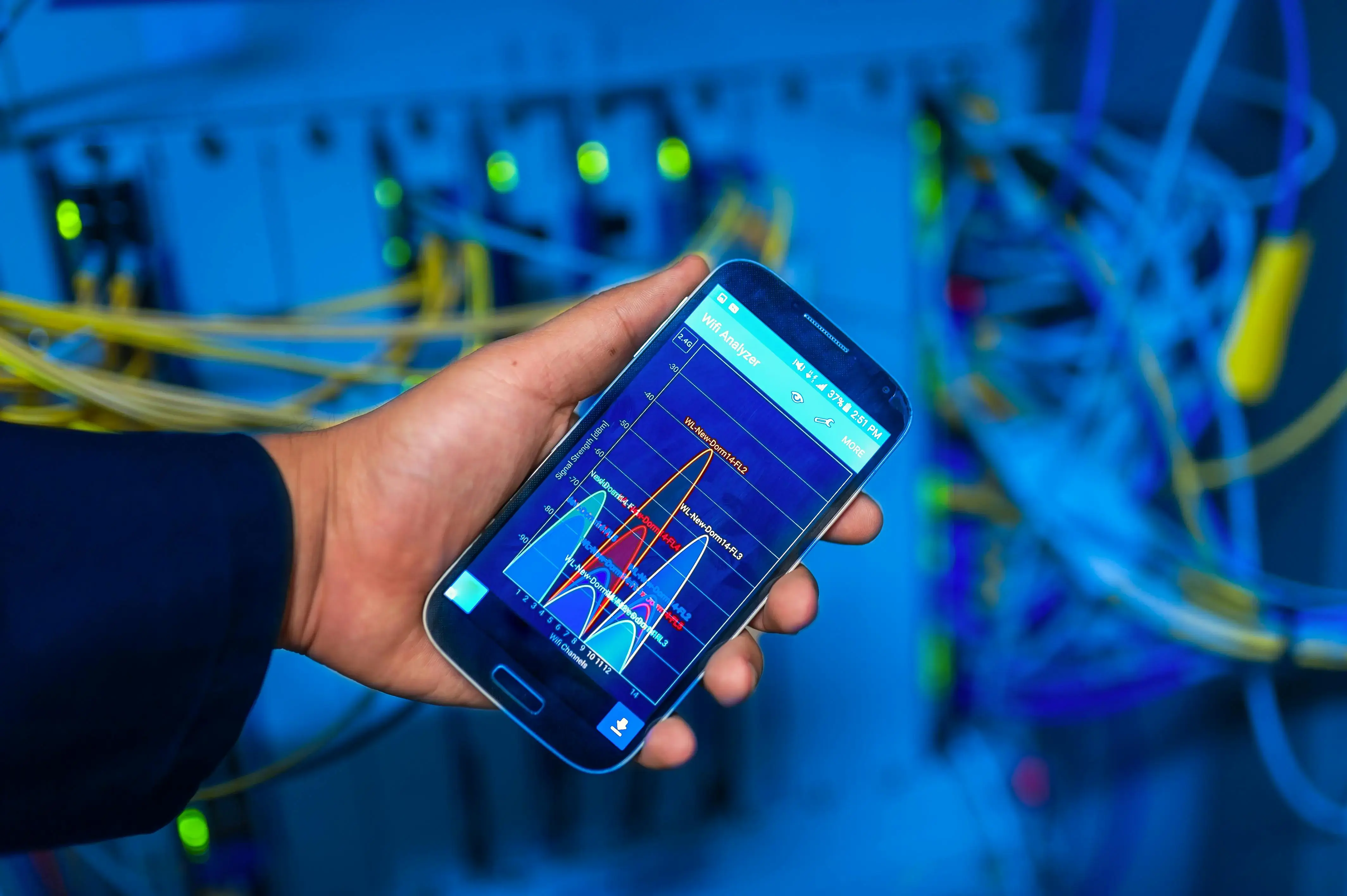
Enterprise wireless networks are among the most overlooked attack surfaces in modern security programs. A WiFi analyzer can chart channel overlap and surface interference — but it tells you nothing about rogue access points, PMKID harvesting, or evil-twin attacks running silently in parallel.
What the Signal Graph Doesn’t Show
When you hold up a WiFi analyzer in a server room, you see neat bell curves representing channel utilization. What you don’t see:
- Rogue APs — unauthorized access points broadcasting your corporate SSID
- PMKID attacks — offline cracking of WPA2 handshakes captured from the air
- Deauth floods — 802.11 management frame abuse forcing clients to reconnect
- KARMA/MANA attacks — promiscuous APs responding to any probe request
These threats are invisible to signal-strength tools because they operate at Layer 2 and above, not at the RF layer the analyzer measures.
The Channel Overlap Problem
Improper channel planning is the gateway vulnerability most enterprises ignore. When access points overlap on adjacent channels — 1 through 6 through 11 — every frame is a retry frame. Retransmissions create timing windows an attacker can exploit for packet injection.
Best practice: deploy on non-overlapping channels (1, 6, 11 for 2.4 GHz; carefully planned 80 MHz channels for 5 GHz) and use spectrum analysis — not just signal strength — to audit your environment.
Active Penetration Testing for Wireless
A proper wireless pentest goes well beyond scanning:
- Passive reconnaissance — full passive capture of all management and data frames
- SSID enumeration — probing for hidden networks and secondary SSIDs
- Client isolation testing — confirming AP-to-AP and client-to-client traffic is blocked
- 802.1X bypass testing — validating RADIUS configuration and certificate pinning
- WPA3 transition mode analysis — identifying downgrade attack surfaces in mixed environments
Remediation Priorities
If you’ve never conducted a wireless pentest, start here:
- Enable 802.11w (Protected Management Frames) on all access points
- Rotate PSKs quarterly and use per-device credentials where possible
- Deploy wireless IDS (Cisco CleanAir, Mist AI, or open-source Kismet) for continuous monitoring
- Segment guest and IoT networks onto separate VLANs with strict ACLs
The analyzer in the photograph above is a useful diagnostic tool. It is not a security tool. Know the difference — your adversaries certainly do.